How to Store Blank Plastic Cards Properly: Best Practices
Table of Contents []
- Blank Plastic Card Storage: What Most Businesses Get Wrong (And How Plastic Card ID Helps You Get It Right)
- Temperature and Humidity: The Two Factors That Matter Most
- Physical Handling and Stacking: Protecting Card Surfaces Every Day
- Specialty Card Types Require Extra Attention in Storage
- Building a Card Storage System That Scales With Your Program
- Frequently Asked Questions About Blank Plastic Card Storage
- Partner With Plastic Card ID for Blank Cards, Storage Solutions, and Expert Support
Blank Plastic Card Storage: What Most Businesses Get Wrong (And How Plastic Card ID Helps You Get It Right)
You ordered a fresh batch of blank PVC cards. They arrive pristine, flat, and perfectly ready for printing. Then - weeks later - you pull a stack out of that supply closet and notice warping, surface haze, static cling, or worse, feed errors through your card printer. What happened? Improper storage silently destroys card quality before a single badge is ever printed. It is one of the most overlooked operational details in card programs of every size.
Whether you are running 50 cards a month for a small gym membership program or managing a rolling inventory of tens of thousands of cards for a regional retail chain, how you store your blank plastic cards directly impacts print quality, card longevity, and your total program cost. The good news is that once you know the rules, following them is straightforward. Let us walk through everything - from temperature and humidity to stacking, packaging, and shelf-life best practices.
Why Blank PVC Cards Are More Sensitive Than They Look
Standard CR80 blank cards - 30 mil thick, ISO 7810 compliant - feel solid and durable. And they are. But PVC is a thermoplastic polymer, which means it responds to heat, cold, and moisture in ways that compound over time. A card left near a heat vent for three months will not perform the same as a card kept in stable conditions. The plastic subtly shifts, and print registration suffers.
Beyond the core PVC material, many blank cards carry pre-applied coatings - glossy overlaminates, matte finishes, or specialty surfaces for retransfer printing. These coatings are thin and sensitive to both UV exposure and temperature cycling. Even cards that look fine on the outside may have invisible surface degradation that causes ink adhesion failures mid-print run. That is a frustrating and avoidable problem.
The Hidden Cost of Ignoring Storage Conditions
Card waste adds up faster than most managers realize. If a box of 500 blank cards costs $30-$75 and a third of them feed poorly or print with streaks due to storage damage, you have not just lost cards - you have lost ribbon panels, cleaning cycles, and technician time. Storage negligence is a hidden tax on your entire card program.
For organizations with magnetic stripe cards or RFID-embedded cards in their blank inventory, the stakes are even higher. Magnetic stripe degradation from improper storage can render cards unreadable before encoding even happens. Proximity card antennas embedded in PVC can delaminate under repeated freeze-thaw cycles. The investment in these specialty cards makes proper storage not optional but essential.
What Plastic Card ID Recommends Before Cards Even Leave the Box
When your shipment arrives from CPE, do not immediately tear open every package just to inspect. Leave cards in their original sealed packaging until you are ready to use them. Factory-sealed packaging maintains a consistent microenvironment that protects card surfaces from ambient dust, humidity spikes, and handling oils. Breaking that seal introduces variables that storage conditions alone cannot undo.
If you need to inspect a sample for quality assurance, open one pack, inspect your sample cards, and reseal the remaining packs as tightly as possible. Use binder clips, resealable plastic sleeves, or card storage boxes designed for this purpose. Never store opened packs loosely in a drawer where cards can shift, stack unevenly, and develop pressure marks or edge chips over time.
| Storage Factor | Recommended Range | Risk If Outside Range |
|---|---|---|
| Temperature | 65 degrees F - 77 degrees F | Warping, surface haze, delamination |
| Relative Humidity | 40% - 60% RH | Static buildup, feed jams, coating damage |
| Light Exposure | No direct sunlight or UV | Yellowing, coating breakdown |
| Stack Orientation | Flat, horizontal, even weight | Edge curl, pressure warping |
| Shelf Life (Unopened) | Up to 2 years under ideal conditions | Degraded print adhesion over time |
Temperature and Humidity: The Two Factors That Matter Most
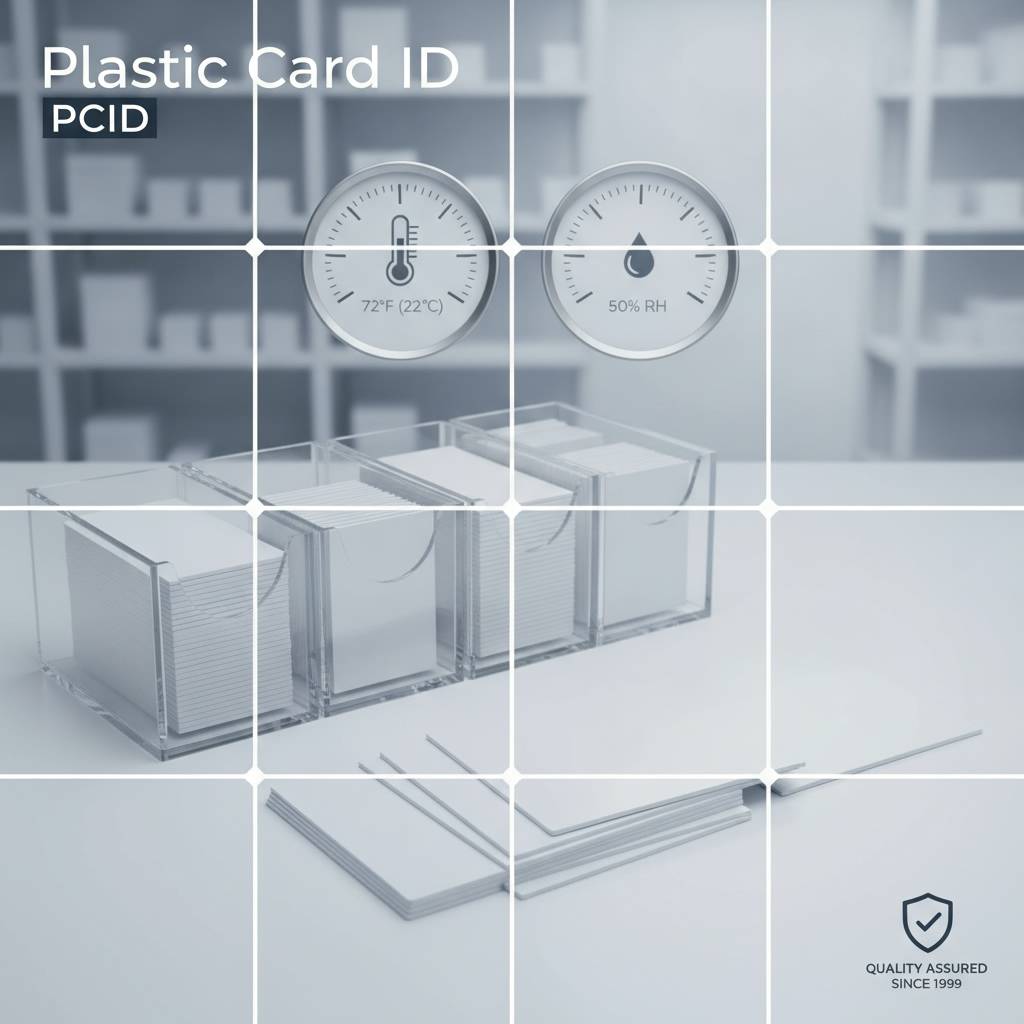 If you take away only two things from this page, let them be these: keep your blank cards at a stable temperature between 65 and 77 degrees Fahrenheit, and maintain relative humidity between 40 and 60 percent. These ranges are not arbitrary - they align with the material properties of plasticized PVC and the sensitivity of card coatings and embedded components. Stability matters just as much as the numbers themselves. A room that swings from 60 to 85 degrees daily is worse than one that holds steady at 80.
Most standard office environments fall within these ranges, which is good news. The danger zones are common storage areas that many organizations actually use: uninsulated warehouse shelves, outdoor storage units, garages, server rooms with heat cycling equipment, and supply closets near exterior walls in climates with harsh winters or summers. If your blank card inventory lives in any of these spaces, it is time to reconsider your storage strategy.
How Heat Damages Blank PVC Cards Over Time
PVC cards begin to show measurable deformation when stored consistently above 85 degrees Fahrenheit. The deformation is usually subtle at first - a slight bow across the long axis of the card. Run that card through an Evolis, Zebra, or Fargo card printer and you will feel the resistance. Your printer's rollers are calibrated for flat cards. A warped card causes feed errors, ribbon wrinkle, and in severe cases, head strikes that can damage your printhead. A damaged printhead on a professional card printer can cost $200-$600 to replace.
Cards stored near windows in direct sunlight face a compounded problem: UV exposure plus heat. The UV begins breaking down glossy overlaminates within weeks of consistent exposure, creating a milky, uneven surface that diffuses ink rather than holding it cleanly. This is particularly problematic for photo ID cards and any application requiring fine text or facial image reproduction. Keep cards away from all windows, even if the temperature feels acceptable.
Cold Storage: When Refrigeration Goes Wrong
Some operations - particularly those with temperature-controlled storage areas - might wonder if cold storage is an option. In general, lower temperatures are better than high temperatures for blank PVC cards, but refrigeration introduces a serious secondary problem: condensation. When cards are moved from a cold storage environment into a warmer room, moisture condenses on card surfaces. Condensation on blank cards before printing causes catastrophic ink adhesion failures and can damage printer mechanisms.
If cards have been stored in a cool environment, allow them to acclimate gradually to room temperature before opening the packaging. A 30-60 minute acclimation period in the unopened packaging is usually sufficient for minor temperature differentials. For large temperature swings, allow up to two hours. This simple step prevents condensation-related print failures that are frequently misdiagnosed as printer or ribbon problems.
Using a Hygrometer to Monitor Storage Areas
For organizations with significant card inventory or specialty card types - RFID, magnetic stripe, smart chip - investing in a basic digital hygrometer makes sense. These devices cost $15-$40 and provide continuous temperature and humidity readings. Place one in your card storage area and check it periodically. Knowing your storage environment is within specification gives you real confidence that cards will perform when needed.
If you find your storage area running consistently above 60 percent relative humidity, a small dehumidifier or desiccant pack placed in the storage cabinet can make an immediate difference. Below 30 percent RH, static electricity becomes a concern - cards cling together and attract dust particles that cause print debris. A small humidifier or moving storage to a better-conditioned space resolves this. These are low-cost interventions with high-value outcomes for card program reliability.
Physical Handling and Stacking: Protecting Card Surfaces Every Day
Temperature and humidity get most of the attention, but physical handling damages far more cards than environmental factors in active card programs. Every time someone reaches into a card box barehanded, fans through a stack, or slides cards across a hard surface, the potential for surface contamination, scratching, and static damage exists. Developing handling protocols that your whole team follows consistently is one of the most impactful operational improvements you can make.
This is not overcaution - it is professional practice. Casino card rooms, hotel key card operations, and large corporate ID programs all implement handling standards for exactly this reason. Adopting the same discipline at any scale saves money, reduces waste, and ensures your card printer runs at peak performance for longer.
The Case for Card Storage Boxes and Sleeves
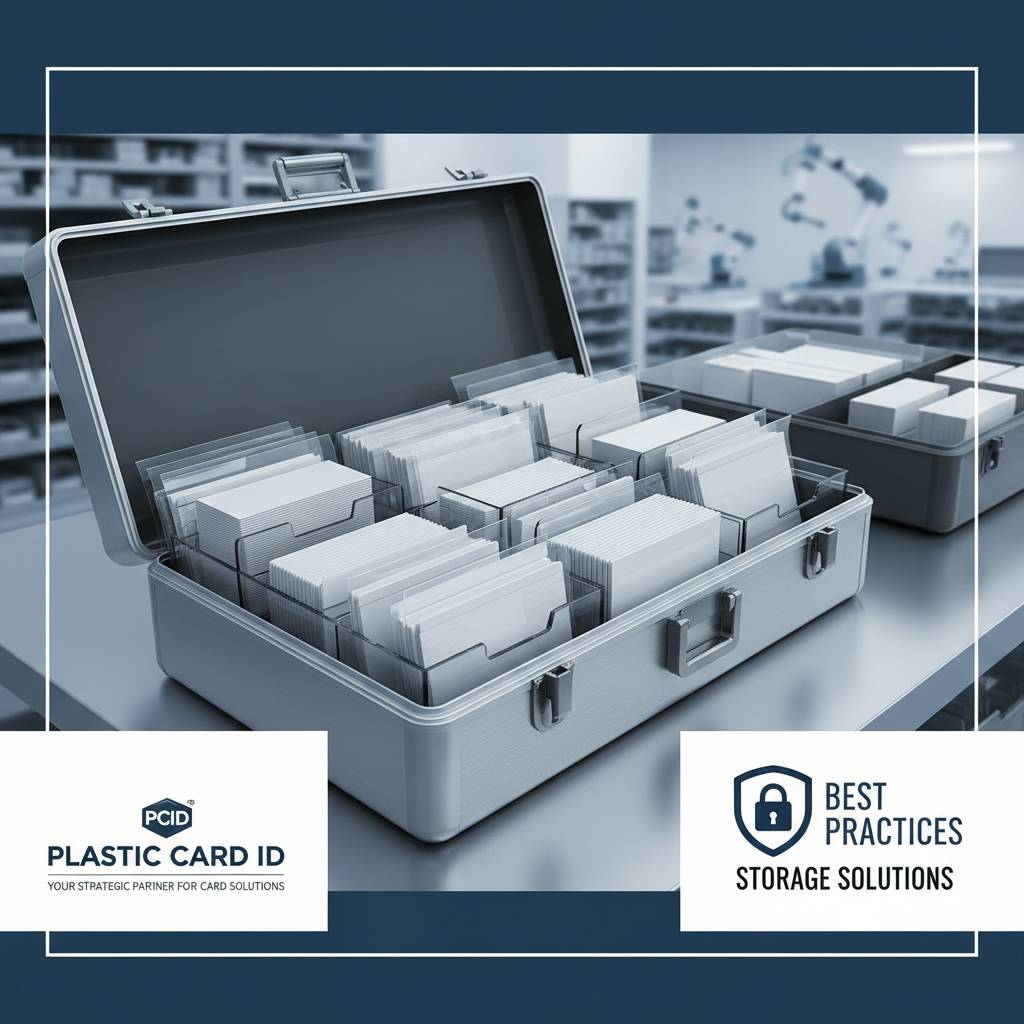
Factory packaging is excellent for initial storage, but once opened, purpose-built card storage solutions are worth considering. Card storage boxes designed for CR80 cards keep stacks flat, protect edges, and prevent the casual tossing-in-and-out that damages cards in generic containers. Card sleeves - individual protective envelopes - are ideal for pre-printed cards or specialty blanks awaiting issuance. CPE stocks both card storage sleeves and card carriers that complement any blank card inventory management system.
For organizations issuing cards with magnetic stripes, card sleeves serve double duty: they protect the stripe from contact with other magnetic sources and from surface abrasion that degrades read reliability over time. A card with a pristine HiCo magnetic stripe that gets scratched during storage will have lower read rates even after perfect encoding. The sleeve is cheap insurance.
Handling Best Practices That Preserve Card Quality
- Always handle blank cards by the edges, avoiding contact with the printable surface whenever possible.
- Use clean, dry hands or disposable gloves when working with large quantities of blank cards.
- Never fan or riffle through card stacks the way you might fan paper - this creates micro-scratches and static charge.
- Store cards horizontally in flat stacks, not standing on edge, which causes bowing under card weight over time.
- Avoid placing heavy objects on top of card storage containers, which transmits pressure to cards below.
- Keep food, beverages, and cleaning chemicals away from card storage areas at all times.
- Label storage containers with card type, quantity, and date received to enable proper inventory rotation.
Inventory rotation deserves its own emphasis. Even under perfect conditions, blank PVC cards have a practical shelf life. Using older stock before newer stock - first in, first out - ensures you are always working with the freshest cards in your inventory. Rotating stock prevents the gradual buildup of aged cards that can quietly undermine an entire print run.
When to Contact Plastic Card ID About Storage-Related Card Issues
If you are experiencing consistent feed errors, print streaks, ribbon adhesion failures, or card jamming that cleaning cycles do not resolve, storage damage should be on your diagnostic checklist before you assume printer malfunction. Document the issue with photos if possible and note your storage conditions. The team at CPE can help you determine whether a card or printer issue is the root cause. Reach the team directly at 800.835.7919 for troubleshooting support.
In many cases, what looks like a printer problem traces directly back to warped or statically charged cards from improper storage. Catching this early prevents unnecessary service calls, misdiagnosed hardware issues, and the wasted expense of printing on compromised card stock. A quick conversation can save significant time and money for your program.
| Card Type | Primary Storage Concern | Special Precaution |
|---|---|---|
| Standard Blank PVC (CR80) | Warping from heat | Flat horizontal storage, stable temperature |
| HiCo / LoCo Magnetic Stripe | Stripe degradation, magnetic interference | Keep away from magnets, use card sleeves |
| RFID / Proximity Cards | Antenna delamination from temperature cycling | Stable temperature, avoid extreme humidity |
| Clear / Frosted Cards | Surface scratching, fingerprinting | Gloves during handling, individual sleeves |
| Smart Chip Cards | Chip contact corrosion from humidity | Sealed packaging until use, low humidity storage |
Specialty Card Types Require Extra Attention in Storage
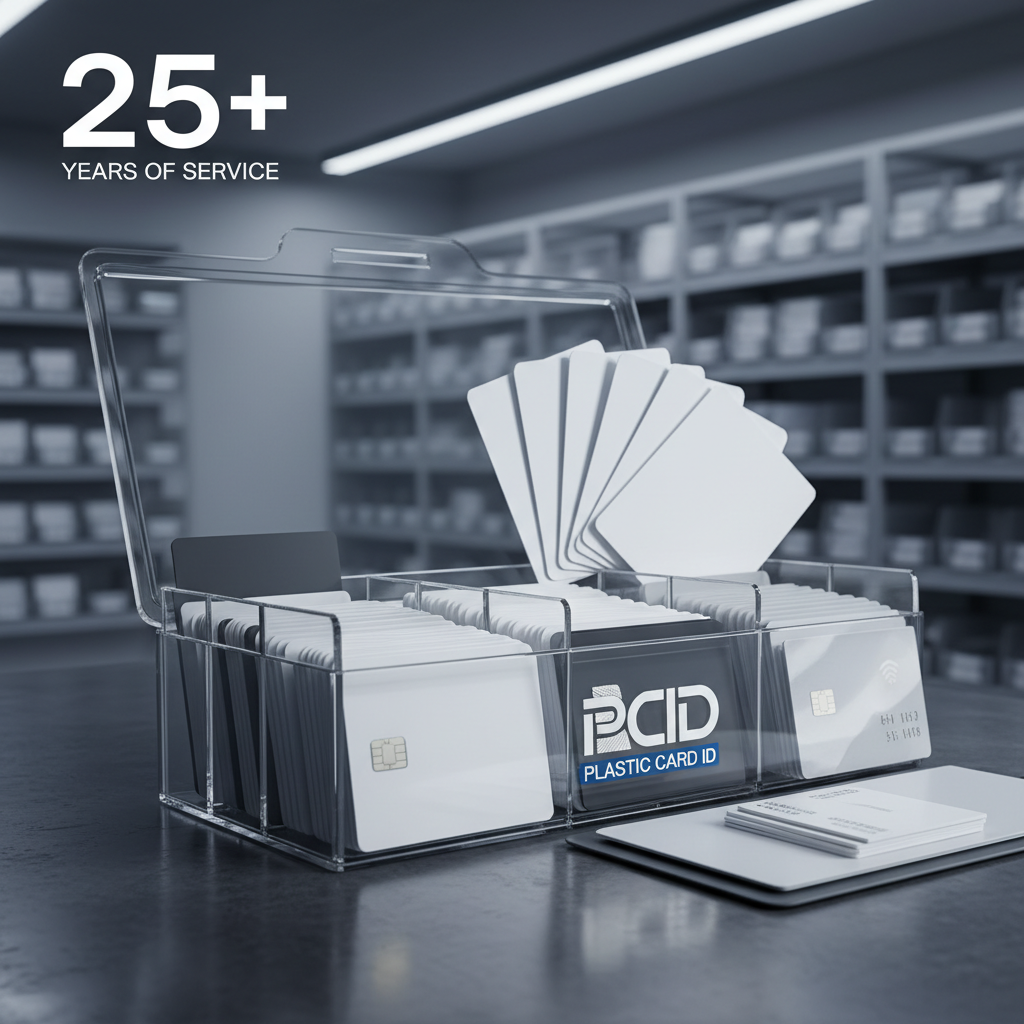 Not all blank cards are equal in their storage requirements. Standard white PVC blanks are the most forgiving. But CPE carries a broad catalog of specialty card types - each with its own nuances. Understanding the specific vulnerabilities of your card type before you even place an order helps you plan your storage infrastructure appropriately. This is a conversation worth having with a knowledgeable supplier before you invest in large quantities.
The range of specialty blanks available through Plastic Card ID includes clear PVC cards, frosted finish cards, colored card stock, magnetic stripe variants, RFID and proximity cards, smart chip cards, and even luxury metal cards in stainless steel, brass, and gold. Each category has its own handling and storage profile that differs meaningfully from standard white PVC.
Clear and Frosted Card Storage
Clear PVC cards are visually striking and increasingly popular for premium membership programs, VIP credentials, and high-end retail applications. But they show fingerprints, surface oils, and micro-scratches far more visibly than white cards. Every thumbprint on a clear card surface is a potential print quality defect waiting to happen. Store clear cards with protective interleaving sheets between them or in individual card sleeves to prevent surface contact damage entirely.
Frosted cards have similar surface sensitivity. The matte finish that makes them elegant also makes them slightly more porous than glossy PVC, meaning they absorb surface contamination more readily. A dusty storage environment is a particular problem. Keep frosted cards in fully sealed packaging or a dust-free cabinet, and handle them with clean gloves whenever possible during inventory management.
Magnetic Stripe Card Storage Specifics
HiCo (High Coercivity) and LoCo (Low Coercivity) magnetic stripe cards require storage away from magnetic fields of any kind. This means keeping them away from other magnets, magnetic closures on bags or cabinets, and even certain electronic equipment that generates localized magnetic fields. A magnetic stripe degraded during blank card storage cannot be recovered - the card must be discarded.
LoCo cards are more sensitive to magnetic interference than HiCo cards, which is an important factor if your storage area is not tightly controlled. For applications where storage conditions are variable, specifying HiCo encoding on your magnetic stripe cards provides an additional margin of security. CPE carries both and can help you choose the right specification for your program and environment.
RFID and Smart Chip Card Considerations
RFID and proximity card blanks contain embedded antennas - sometimes fragile copper or aluminum structures laminated within the PVC layers. Temperature cycling that causes the PVC to expand and contract can stress these lamination bonds over time, potentially causing delamination that renders the card unreadable. For long-term storage of RFID blanks, maintaining stable temperature above all other factors is the single most important practice.
Smart chip card blanks have an exposed contact pad on the card surface. This contact pad is susceptible to corrosion in high-humidity environments and to physical damage from abrasion during handling. Store these cards in their original packaging until needed, and when opening packs, move directly to use rather than intermediate storage. The contact pad's functional life begins the moment it is exposed to ambient conditions.
Building a Card Storage System That Scales With Your Program
A small organization running a basic employee badge program might need nothing more than a dedicated shelf in a climate-controlled office. A regional hotel brand managing key card inventory across multiple properties needs a documented storage protocol, standardized containers, and a first-in-first-out tracking system. The right storage system is proportional to your program scale, but the underlying principles are identical at every level.
Scaling up a card program is one of Plastic Card ID's core specialties - helping clients grow from 50 cards a month to thousands while maintaining card quality and operational efficiency. Part of that partnership is ensuring that storage, handling, and inventory management practices grow alongside production volume. Calling in to discuss your specific program requirements is the fastest way to get a storage and sourcing strategy tailored to your situation.
Organizing Your Card Inventory for Operational Efficiency
Designate a single, dedicated location for blank card storage and keep it separate from card-making supplies like ribbons, cleaning kits, and printed finished cards. Mixing storage categories creates organizational confusion and increases the risk of contamination. Label every storage container clearly - card type, card quantity, date received, and any specification details like magnetic stripe type or RFID frequency. A well-labeled inventory saves significant time and prevents costly mis-issues during high-volume production runs.
If your organization uses multiple card types simultaneously - ID cards, access cards, loyalty cards, event credentials - color-coding storage containers by card type is a practical approach used by many mid-scale card programs. It eliminates the risk of feeding the wrong card type into a printer configured for a different specification, which can cause print failures, encoder errors, and wasted materials across an entire batch.
When to Reorder: Avoiding Both Overstock and Stockouts
Buying blank cards in bulk lowers per-card cost - that is a consistent truth in card program economics. But buying more than 12-18 months of inventory creates storage challenges and increases the risk of holding cards that age past their ideal use window. The sweet spot for most card programs is a 3-6 month rolling inventory that balances cost efficiency with freshness.
Work with CPE to establish a reorder cadence that matches your consumption rate. Programs with predictable monthly volume are excellent candidates for standing order arrangements that ensure consistent stock without the capital commitment of massive bulk purchases. This is exactly the kind of strategic partnership that distinguishes a supplier relationship from a vendor transaction.
Card Accessories That Support Proper Storage
- Card storage boxes designed for CR80 dimensions keep blank cards flat and edges protected between uses.
- Individual card sleeves protect specialty blanks like clear, frosted, and magnetic stripe cards from surface damage.
- Card carriers are ideal for organized distribution and protect finished printed cards from handling damage.
- Desiccant packs placed inside card storage containers help maintain low humidity in enclosed spaces.
- Digital hygrometers monitor temperature and humidity in your storage environment continuously.
Plastic Card ID supplies a full range of card accessories including sleeves, carriers, and cleaning kits that integrate seamlessly into a well-designed card program. These are not afterthought items - they are operational tools that protect your card investment from the moment cards arrive to the moment they are issued or mailed.
Frequently Asked Questions About Blank Plastic Card Storage
Even experienced card program managers encounter situations that raise storage questions. Here are the most common questions the team at CPE receives, with practical answers that apply directly to real-world card operations across the United States.
Can I Store Cards in a Storage Unit or Garage?
In most climates across the U.S., a standard storage unit or garage is not a suitable long-term home for blank plastic card inventory. Temperature fluctuations in these spaces routinely exceed the 65-77 degree Fahrenheit range recommended for PVC cards, particularly in summer months when interior temperatures can exceed 110 degrees Fahrenheit. Storing cards in these environments, even briefly, risks warping and coating damage that compromises an entire box or more.
If a climate-controlled storage unit is available - one that actively maintains interior temperature within the acceptable range - it can be a viable option for overflow inventory. Verify that the unit maintains temperature and humidity within specification before committing card stock to that space. When in doubt, bring card inventory into your conditioned office or production space instead.
How Long Do Blank Cards Last Under Ideal Conditions?
Properly stored blank PVC cards can maintain print-ready quality for up to two years from the manufacturing date. This assumes unopened original packaging, stable temperature and humidity, no UV exposure, and flat horizontal storage. For specialty cards with embedded components, practical shelf life may be somewhat shorter depending on component specifications. The two-year window is a general guideline - inspect older stock carefully before committing to a large print run.
When ordering from Plastic Card ID, inquire about manufacturing dates on large orders to ensure you are receiving fresh stock. This is standard practice in professional card programs and a reasonable expectation when working with a supplier that has served over 100,000 customers across more than 25 years of operation. Fresh stock, properly stored, delivers the consistent results your program depends on.
What Should I Do With Cards That May Have Been Improperly Stored?
Do not write off a box of cards immediately if you suspect storage conditions were suboptimal. Test a sample of 10-20 cards through your card printer using a standard cleaning cycle beforehand. Observe feed consistency, print adhesion, and color fidelity. If the test prints are clean and consistent, the bulk of the stock is likely still usable. A thorough test run is always more accurate than assumptions about storage damage.
If test prints reveal streaking, adhesion failures, or feed errors that do not improve after cleaning and ribbon replacement, the cards are likely compromised and should be removed from production inventory. For support evaluating whether a batch issue is card-related or printer-related, contact CPE directly at 800.835.7919 - the team's experience across card types and printer platforms can often diagnose the issue quickly.
Partner With Plastic Card ID for Blank Cards, Storage Solutions, and Expert Support
Proper card storage is a practice, not a one-time decision. It requires the right environment, the right physical containers, consistent handling protocols, and an inventory management approach that keeps your program running smoothly at any volume. Getting all of these elements right is significantly easier when you have a supplier that understands card programs from every angle - not just the transaction of shipping boxes of cards.
That is what over 25 years and more than 50 million cards shipped to U.S. businesses across every industry looks like in practice. Plastic Card ID carries the full inventory - standard blank CR80 cards, magnetic stripe variants, RFID and proximity cards, smart chip cards, clear and frosted specialty cards, and the complete range of card accessories, storage supplies, printers, and ribbons your program needs. When your card program runs well, your organization runs well. The difference between a card program that delivers results and one that causes headaches often comes down to operational details exactly like the ones covered on this page.
The Full Plastic Card ID Card Program Ecosystem
Beyond blank cards, CPE provides the complete infrastructure for serious card programs: Evolis, Zebra, and Fargo card printers for in-house printing; printer ribbons and cleaning kits for maintenance and performance; card sleeves and carriers for distribution; and card affixing and mailing services for organizations that need finished cards shipped directly to recipients. Everything you need to run a successful card program lives under one roof.
From employee ID programs and access control credentials to hotel key cards, casino player cards, retail gift cards, and loyalty programs that outperform paper alternatives by measurable margins - the catalog spans virtually every commercial card application a U.S. organization could require. Retailers switching from paper to plastic gift cards consistently report sales increases of 35-50 percent. Plastic loyalty cards that live in wallets outperform paper punch cards in every metric that matters. These are not estimates - they are the results real businesses have seen.
Ready to Talk About Your Card Program?
Contact Plastic Card ID today at 800.835.7919 and speak with a card program specialist who can help you select the right blank cards, storage solutions, and accessories for your specific application and volume.
Whether you are launching a new card program or optimizing an existing one, Plastic Card ID brings the experience, inventory, and partnership approach that turns card programs into genuine business assets. Call 800.835.7919 now and let us help you get every card right - from storage to issuance.