How to Print on Blank Plastic Cards: Simple Guide
Table of Contents []
- How to Print on Blank Plastic Cards: Everything You Need to Know - Plastic Card ID
- Understanding Blank Plastic Card Specifications Before You Print
- Card Printer Technologies: Choosing the Right Machine
- Step-by-Step: How to Print on Blank Plastic Cards
- Encoding Plastic Cards: Magnetic Stripe, RFID, and Smart Chip
- Common Card Programs and Real-World Applications
- Sourcing Blank Plastic Cards and Supplies: What to Look For
- Get Started with Plastic Card ID - Your Plastic Card Printing Partner
How to Print on Blank Plastic Cards: Everything You Need to Know - Plastic Card ID
So you've got a stack of blank plastic cards and a vision. Maybe it's employee badges for a growing team, loyalty cards for a retail program, or membership credentials that actually look the part. The question sitting in front of you is simple but surprisingly layered: how do you actually print on blank plastic cards? The answer involves card stock selection, printer technology, ribbon chemistry, and a few best practices that separate sharp, professional results from blurry disappointment.
This guide walks you through everything - card types, printer options, encoding considerations, and real-world tips from decades of experience helping businesses build card programs that work. Whether you're printing 50 cards a month or running a high-volume operation in the thousands, the fundamentals here apply directly to your situation.
| Card Type | Best Use Case | Print Method | Encoding Option |
|---|---|---|---|
| Blank PVC CR80 (White) | ID badges, loyalty cards, event passes | Direct-to-card dye sublimation | None or mag stripe add-on |
| HiCo Magnetic Stripe | Gift cards, hotel keys, access control | Direct-to-card with mag encoding | High coercivity magnetic |
| LoCo Magnetic Stripe | Short-term passes, event credentials | Direct-to-card printing | Low coercivity magnetic |
| RFID / Proximity Card | Access control, contactless ID | Direct-to-card printing | Contactless chip encoding |
| Clear / Frosted PVC | Premium member cards, VIP credentials | Retransfer (best results) | Optional mag stripe or chip |
Understanding Blank Plastic Card Specifications Before You Print
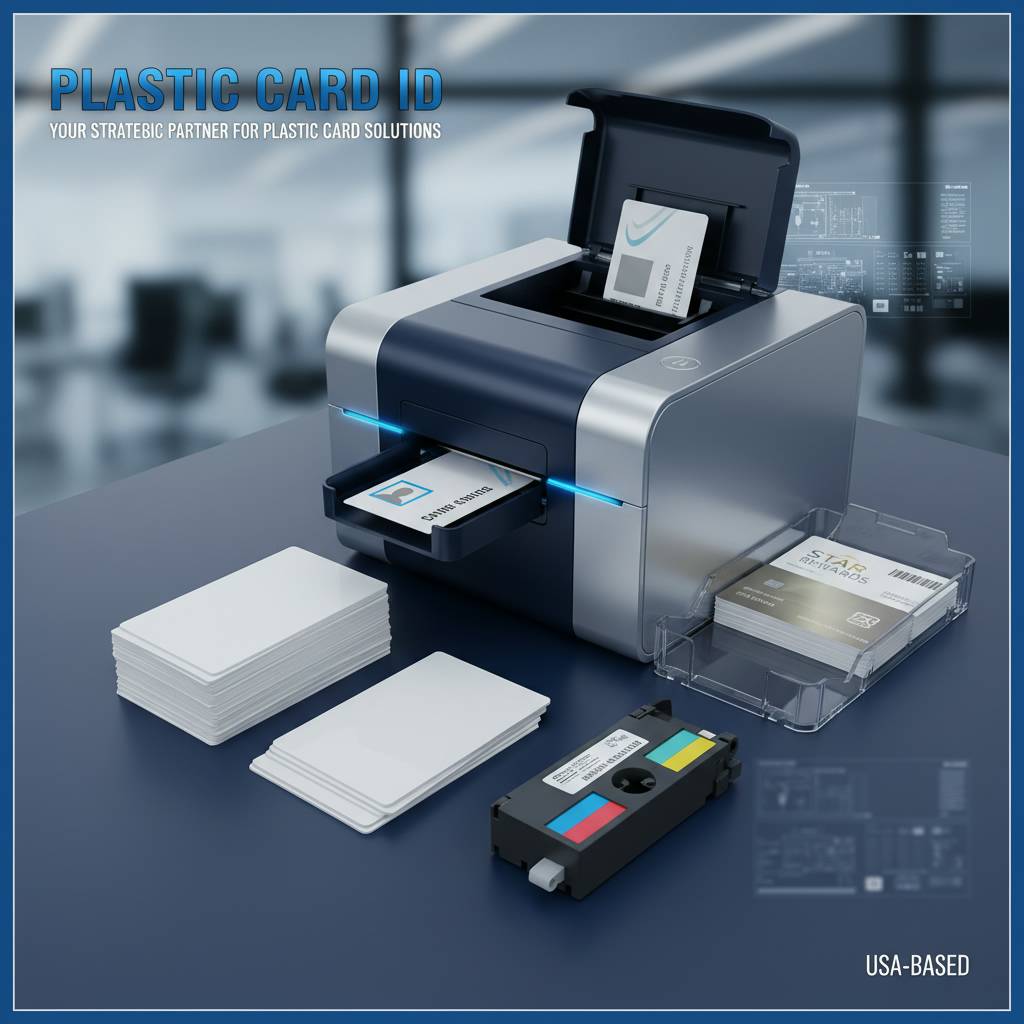 Before a single pixel gets transferred to plastic, you need to know what you're working with. The standard blank card format is CR80 - 3.375 inches by 2.125 inches at 30 mil thickness, matching the ISO 7810 ID-1 specification. This is the same footprint as a standard credit card, which means it fits wallets, badge holders, and card readers without any fuss. Most card printers on the market are designed specifically around this format.
Thickness matters more than people expect. At 30 mil, a PVC card has the right combination of flexibility and rigidity for printer rollers to grip and feed consistently. Cards that are too thin can jam; cards outside the standard spec may not feed at all. When you source blank cards from CPE, you get stock that's manufactured to these tolerances - which is a detail that sounds minor until your printer starts eating cards mid-run.
PVC vs. Composite Card Stock
Standard blank plastic cards are made from PVC - polyvinyl chloride - which accepts dye-sublimation ink with excellent color saturation and sharpness. Composite cards (typically 60% PVC, 40% polyester) are slightly stiffer and are used when lamination durability or retransfer printing is a priority. For most business applications - ID badges, loyalty programs, membership cards - standard PVC performs beautifully.
Composite stock does have advantages in high-wear environments. A card that gets swiped, badge-scanned, or handled dozens of times daily benefits from the added structural resilience. Matching card stock to your actual use case is one of the most overlooked decisions in card program setup, and getting it right from the start saves reprinting costs down the line.
Surface Finish and Print Adhesion
Glossy PVC surfaces - the standard - provide vibrant, photo-quality results with direct-to-card printing. Frosted and clear cards require different handling because the print must adhere to a translucent or transparent substrate. Retransfer printing, where the image is first printed on a film and then thermally bonded to the card surface, handles these specialty finishes far better than direct-to-card methods.
If you're ordering clear or frosted blank cards with plans to print in-house, make sure your printer supports retransfer technology. Evolis, Zebra, and Fargo all offer models in this category. The visual payoff for premium card programs - especially VIP membership or luxury access credentials - is substantial. Colors appear richer against translucent substrates when the print process is matched correctly.
Pre-Punched and Specialty Format Cards
Standard CR80 blanks come without holes. If you need a slot punch for badge lanyards, that's typically added after printing - either manually or with a desktop slot punch tool. Cards with pre-punched slots are available but less common and can interfere with some printer feeding mechanisms. Plan your card program's physical form before committing to a bulk card order - it's easier than reprinting and re-punching a thousand badges.
Specialty formats like oversized cards, key-fob shapes, and custom die-cut designs require printers with appropriate platens or pre-printed stock. For high-volume custom shapes, working directly with CPE to source pre-formatted blanks designed for your application is the most cost-effective path.
Card Printer Technologies: Choosing the Right Machine
Card printers are not all created equal, and the technology inside the box determines the quality ceiling of everything you print. Two primary printing methods dominate the ID and plastic card industry: direct-to-card (DTC) dye sublimation and retransfer printing. Each has a distinct workflow, cost profile, and output quality range. Knowing the difference is essential before you spend a dollar on hardware.
Direct-to-card printers are the workhorses of most small-to-midsize card programs. They're affordable, fast, and produce excellent results on standard white PVC stock. Retransfer printers cost more upfront but print edge-to-edge (even on non-white substrates) and offer superior durability - especially valuable when lamination or extended card life is part of the requirement.
Direct-to-Card Dye Sublimation Printing
In dye sublimation printing, a thermal print head applies heat to a colored ribbon, sublimating the dye directly into the surface of the PVC card. The result is a continuous-tone image with no visible dots - smooth gradients, accurate skin tones, and sharp text all come through cleanly. This process is what makes plastic card printing look dramatically better than inkjet or laser alternatives.
Evolis Primacy, Zebra ZC300, and Fargo DTC1250e are examples of reliable direct-to-card models stocked by CPE. Each handles standard CR80 white PVC beautifully and supports single or dual-sided printing. For organizations printing under 5,000 cards per month, a quality DTC printer is usually the most practical and economical choice.
Retransfer Printing for Premium Results
Retransfer printers use a two-step process: the image is first printed onto a clear transfer film, then thermally bonded over the entire card surface - including edges. This creates true edge-to-edge printing and a protective overlay in a single pass. The output on clear, frosted, or dark-substrate cards is noticeably superior, and the bonded film adds a layer of abrasion resistance.
The Fargo HDP5000 and Evolis Avansia are popular retransfer models that handle specialty card stock with precision. They're also preferred in environments where card longevity matters - think multi-year employee ID programs or access control credentials that need to withstand daily use across years. The investment is higher, but retransfer printing removes the ceiling on card quality for demanding applications.
Single-Sided vs. Dual-Sided Printing
Many entry-level printers are single-sided. If your card program requires printed backs - a barcode, secondary logo, terms and conditions text, or employee data - you need a printer with a flip module or built-in dual-sided capability. Dual-sided printing adds cost to both the hardware and the ribbon consumption, but it doubles the usable real estate on every card you produce.
For ID badge programs especially, dual-sided printing is often a functional requirement. The front carries the photo, name, and title; the back might hold a magnetic stripe, barcode, or emergency contact information. Assess your card layout needs completely before purchasing hardware - adding dual-sided capability after the fact often means buying a new printer, not upgrading the existing one.
Printer Ribbons and Consumables
The ribbon is what actually creates the printed image, and ribbon selection is where many first-time card printers make costly mistakes. YMCKO ribbons (Yellow, Magenta, Cyan, Black, Overlay) are the standard for full-color printing with a protective topcoat. KO ribbons (Black Overlay) are used for monochrome printing at a much lower per-card cost.
Yield matters. A ribbon rated for 250 cards should print 250 cards - but only if the printer is calibrated correctly and cards are clean and static-free. Always store ribbons in their sealed packaging until use, away from heat and humidity. CPE supplies ribbons for Evolis, Zebra, and Fargo printers - OEM-compatible stock that meets manufacturer tolerances and won't void warranties.
Step-by-Step: How to Print on Blank Plastic Cards
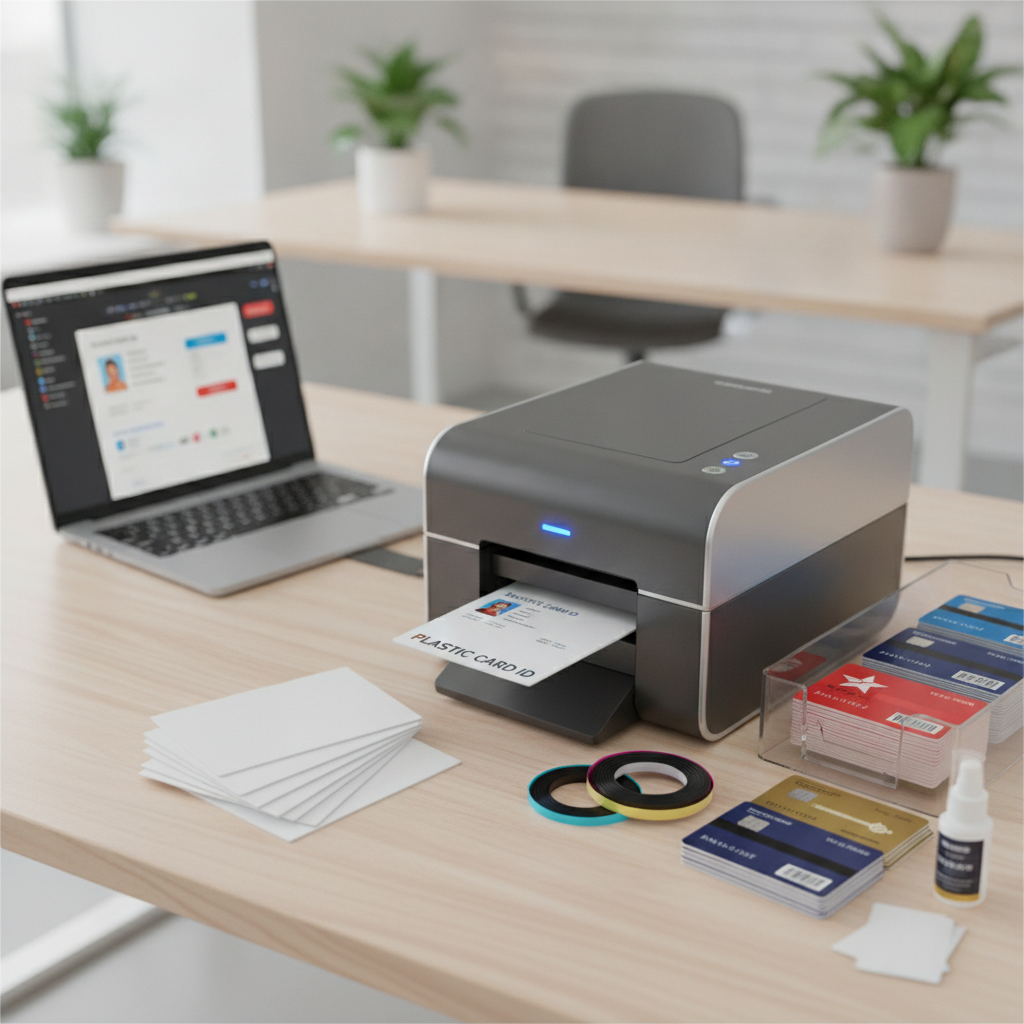 The actual printing process is straightforward once equipment and materials are matched correctly. The most common errors in plastic card printing are preventable - dirty card surfaces, wrong card thickness settings, mismatched ribbon types, and software design files not sized to CR80 dimensions. Let's walk through the process from start to finish.
Whether you're running an Evolis, Zebra, or Fargo printer, the workflow is similar. Card design software generates a print file, the printer driver handles communication with the hardware, and the printer executes - feeding the card, applying the ribbon in passes, and outputting a finished credential. The details in each step are where quality is won or lost.
Preparing Your Design File
Set your document to exactly 3.375 x 2.125 inches at a resolution of 300 DPI minimum. Fonts should be embedded or converted to outlines to prevent substitution. Images intended for card backgrounds - especially photos - should be high-resolution originals, not screenshots or web-compressed copies. A poorly prepared design file is the number-one cause of disappointing print results, not the printer or the cards.
Most card printing software - Evolis CardPresso, Zebra ZMotif, or Fargo Swift ID - includes CR80 templates to get you started. These tools also support variable data printing, where fields like names, employee numbers, or barcodes are pulled from a spreadsheet or database. This is what makes printing 500 unique employee badges in a single run practical and efficient.
Loading and Feeding Blank Cards Correctly
Handle blank PVC cards by the edges to avoid fingerprint oils on the printable surface. Even minor contamination can cause color inconsistency or adhesion issues with the dye. Most printers have an input hopper that holds 25-100 cards depending on the model. Load them face-up or face-down per your specific printer's instructions - reversing this is a surprisingly common error.
- Fan the card stack before loading to reduce static cling between cards
- Confirm card thickness setting in the printer driver matches your card stock (typically 30 mil)
- Use a cleaning card before each major print run to remove roller debris
- Do not mix card thicknesses in the same hopper load
- Keep card stock sealed in its original packaging until ready to print
Running a Test Print and Quality Check
Always run a single test card before committing to a full batch. Check color accuracy against your digital design, confirm text is sharp and readable at small sizes, and verify that any barcodes or QR codes scan correctly with a reader app. Catching a calibration issue on card one is far less costly than discovering it on card 500.
Inspect the test card under good lighting at a slight angle. Banding - subtle horizontal lines across the image - indicates a print head issue or ribbon feed problem. Faded color usually signals a near-empty ribbon or incorrect print darkness setting. Most card printer drivers allow density adjustments; small tweaks here can dramatically improve output quality without requiring hardware changes.
Encoding Plastic Cards: Magnetic Stripe, RFID, and Smart Chip
Printing is only half the story for many card programs. Encoding adds functional intelligence to a printed card - transforming it from a visual credential into an active tool for access control, loyalty tracking, gift card balances, or contactless transactions. Many card printers support encoding natively, while others require a separate encoding station.
Understanding which encoding technology your application requires shapes both your card stock purchase and your printer selection. Buying blank cards with the wrong stripe or chip spec creates problems that can't be fixed after the fact. Getting this right at the sourcing stage - ideally with guidance from CPE - saves significant rework.
HiCo vs. LoCo Magnetic Stripe Cards
Magnetic stripe cards come in two coercivity levels. HiCo (High Coercivity, typically 2750 Oe) is more resistant to accidental erasure from everyday magnetic fields - wallets, phone cases, magnetic closures. LoCo (Low Coercivity, 300 Oe) is easier to encode and re-encode but less durable in environments with magnetic interference. For most business applications - gift cards, hotel keys, membership programs - HiCo is the right default choice.
Your card printer must include a magnetic encoding module to write data to the stripe. This module is separate from the print mechanism and encodes as the card passes through. Track configuration (Track 1, 2, or 3) determines what data can be stored and how it's formatted for your point-of-sale or access system. Confirm track requirements with your software vendor before programming your encoder.
RFID and Proximity Card Encoding
RFID cards contain an embedded antenna and chip that communicate with readers without physical contact. Proximity cards (125 kHz) are the workhorses of access control systems found in thousands of office buildings and facilities across the US. Smart RFID cards (13.56 MHz) - including MIFARE DESFire formats - support more sophisticated applications like multi-door access, cashless vending, and encrypted identity verification.
Encoding RFID cards requires a dedicated encoder that interfaces with your access control platform. Some card printers include built-in contactless encoding modules; others require a standalone desktop encoder. When sourcing RFID blank cards from Plastic Card ID, confirm the chip technology (EM4100, HID, MIFARE Classic, DESFire EV2, etc.) matches your reader infrastructure. An incompatible chip spec is an unrecoverable mismatch - encoder and card must speak the same protocol.
Smart Chip Card Encoding and Contact Cards
Contact smart cards have a gold-colored chip module visible on the card face. These chips store and process data through direct electrical contact with a reader terminal - a more secure interaction than magnetic stripe. They're used in physical access control, campus ID systems, healthcare credentialing, and secure government applications.
Encoding contact smart cards during printing requires a smart card encoding module integrated into the printer path. The Fargo HDP6600 and Zebra ZC700 series support this configuration. For organizations managing sensitive access or identity data, smart chip encoding adds a meaningful layer of credential security that magnetic stripe simply cannot replicate.
Common Card Programs and Real-World Applications
The practical range of what you can do with a printed plastic card is broader than most organizations initially realize. A single card printer and a supply of blank CR80 stock can power employee ID programs, event credentialing, loyalty initiatives, membership management, and gift card programs - all from one desk. The application defines the design; the design defines the card spec; the card spec defines the printer and ribbon.
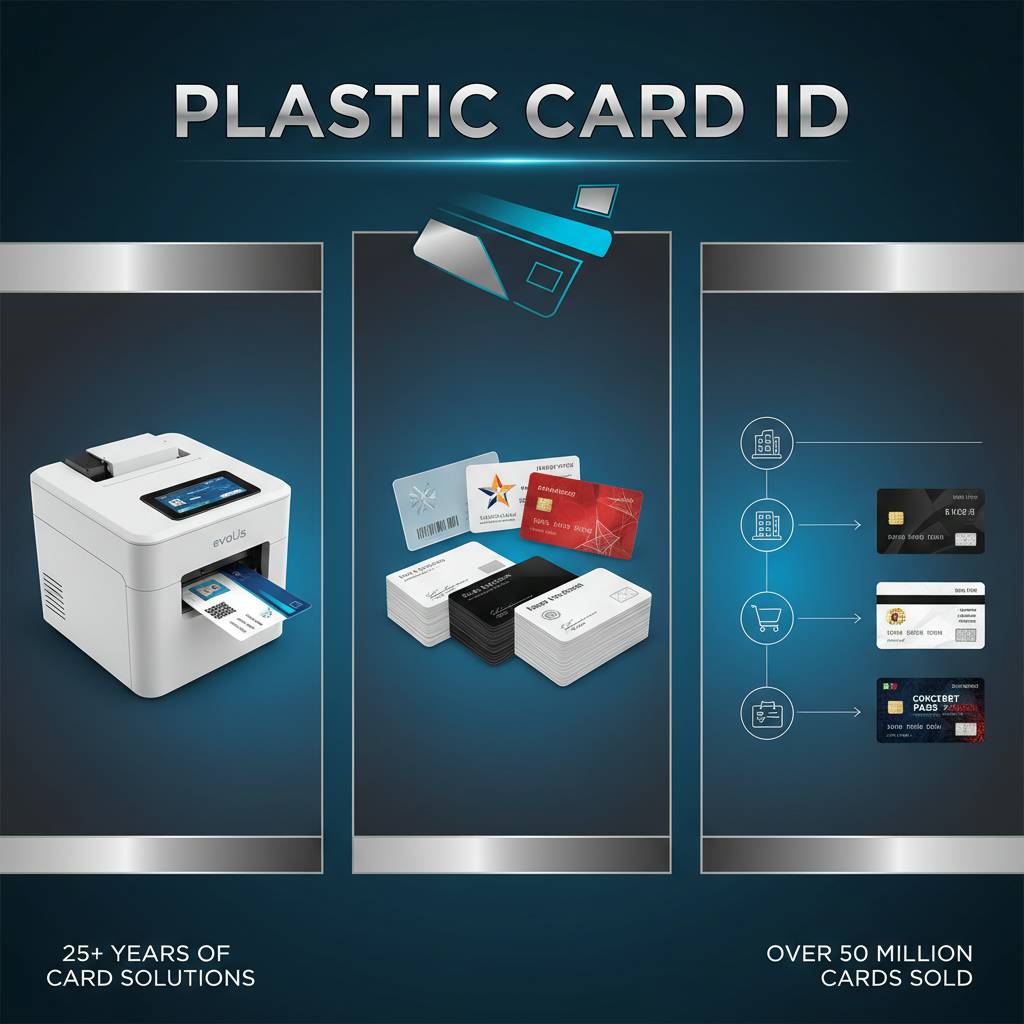
Retailers who switch from paper punch cards to plastic loyalty cards routinely see measurable improvements in program participation. A card that lives in a wallet stays top-of-mind. A badge that looks professional signals organizational legitimacy. These outcomes aren't accidental - they're a direct result of material quality and program design working together.
Employee ID and Access Badge Programs
Employee ID programs are one of the highest-volume use cases for in-house card printing. New hires, contractor badges, visitor credentials, and department-specific access all generate ongoing print demand. The ability to print on-demand - producing one card as needed rather than waiting on an outside supplier - is a genuine operational advantage for HR teams and facility managers.
A typical employee badge program uses white CR80 PVC with dual-sided printing: photo, name, title, and department on the front; barcode or magnetic stripe for access control on the back. Evolis Primacy 2 and Zebra ZC300 are popular choices for this application, handling 500-3,000 cards per month reliably within their design specs.
Loyalty, Gift, and Membership Card Programs
Plastic gift cards outperform paper gift certificates in redemption rates, average transaction value, and brand perception. The same physical permanence advantage applies to loyalty cards and membership credentials. Customers who carry a physical card from your business are more likely to return, spend more, and identify as brand loyalists than those who received a paper receipt-sized alternative.
For gift card programs, HiCo magnetic stripe cards are the standard substrate. Your point-of-sale system encodes a balance at activation; the card reader deducts from that balance at purchase. For loyalty programs without digital POS integration, a simple printed barcode or account number on a white PVC card is often sufficient to track points manually or through lightweight CRM software. Call 800.835.7919 to discuss the right card spec for your program.
Event Credentials and Temporary Access Cards
Events - conferences, trade shows, campus orientations, facility tours - generate short-term credentialing needs. Plastic cards with printed access tiers (VIP, General, Staff, Vendor) are more durable than paper wristbands, harder to counterfeit, and far more professional in appearance. LoCo magnetic stripe or simple visual-only PVC cards are common choices for single-event use.
For recurring events, blank white CR80 cards with variable data printing let you print names and registrant details from your attendee database directly onto each card. A printer rated for 500 cards per day can credential a mid-size conference overnight. The per-card cost for in-house printed event credentials is typically a fraction of outsourced alternatives when card volume justifies the printer investment.
Sourcing Blank Plastic Cards and Supplies: What to Look For
Card quality is not uniform across suppliers. Surface consistency, thickness tolerance, and cleanliness all affect print output - and the variation between a quality card and a bargain-bin alternative shows up clearly once they're run through a printer. Sourcing blank cards from a supplier with proven manufacturing standards removes a significant variable from your print quality equation.
CPE has supplied over 50 million cards to more than 100,000 customers across the United States. That volume creates a meaningful feedback loop - quality issues get identified quickly, and supplier standards are held to a level that sustains professional print results across every card category in the catalog.
What to Order: A Buyer's Checklist
- Card size and thickness: CR80, 30 mil for standard programs
- Surface finish: Gloss white PVC for direct-to-card; frosted or clear for retransfer programs
- Encoding substrate: Blank PVC, HiCo mag stripe, LoCo mag stripe, RFID (specify chip type), or contact smart chip
- Quantity: Match initial order to your projected 3-6 month print volume
- Printer ribbons: YMCKO for full color, KO for monochrome; confirm model compatibility
- Cleaning kits: Roller cleaning cards should be run every 500 prints minimum
- Card carriers and sleeves: Badge holders, lanyards, and protective sleeves for finished credentials
Ribbon Compatibility and Yield Planning
Ribbon compatibility between printer models is not universal. An Evolis ribbon will not work in a Zebra printer, and using off-spec ribbons can damage the print head - the most expensive replaceable component in any card printer. Always confirm ribbon model numbers against your printer's documentation before ordering. Buying ribbons from the same supplier as your printer hardware simplifies compatibility verification significantly.
Yield planning matters for budget predictability. A YMCKO ribbon rated at 200 cards, combined with a card stock cost of $0.10-$0.25 per card, produces a per-card consumable cost you can model against program volume. For organizations printing 1,000 cards per month, dual-hopper printers and bulk ribbon packs reduce both per-unit cost and administrative reorder frequency.
When to Print In-House vs. Order Custom Pre-Printed Cards
In-house printing makes financial sense when you need variable data (unique names, numbers, photos), frequent design updates, or small batches on demand. The break-even point against outsourced printing depends on card volume, design complexity, and how often card content changes. For programs printing 200 or more cards per month with variable data, in-house printing typically pays back hardware costs within 12-18 months.
Some organizations benefit from a hybrid approach - ordering a base inventory of pre-printed blank-back cards with a static front design, then overprinting variable data on the front or encoding the magnetic stripe in-house. This splits the print work between high-volume offset economics and the flexibility of on-demand personalization. CPE can help structure the right supply model for your specific card program volume and requirements.
Get Started with Plastic Card ID - Your Plastic Card Printing Partner
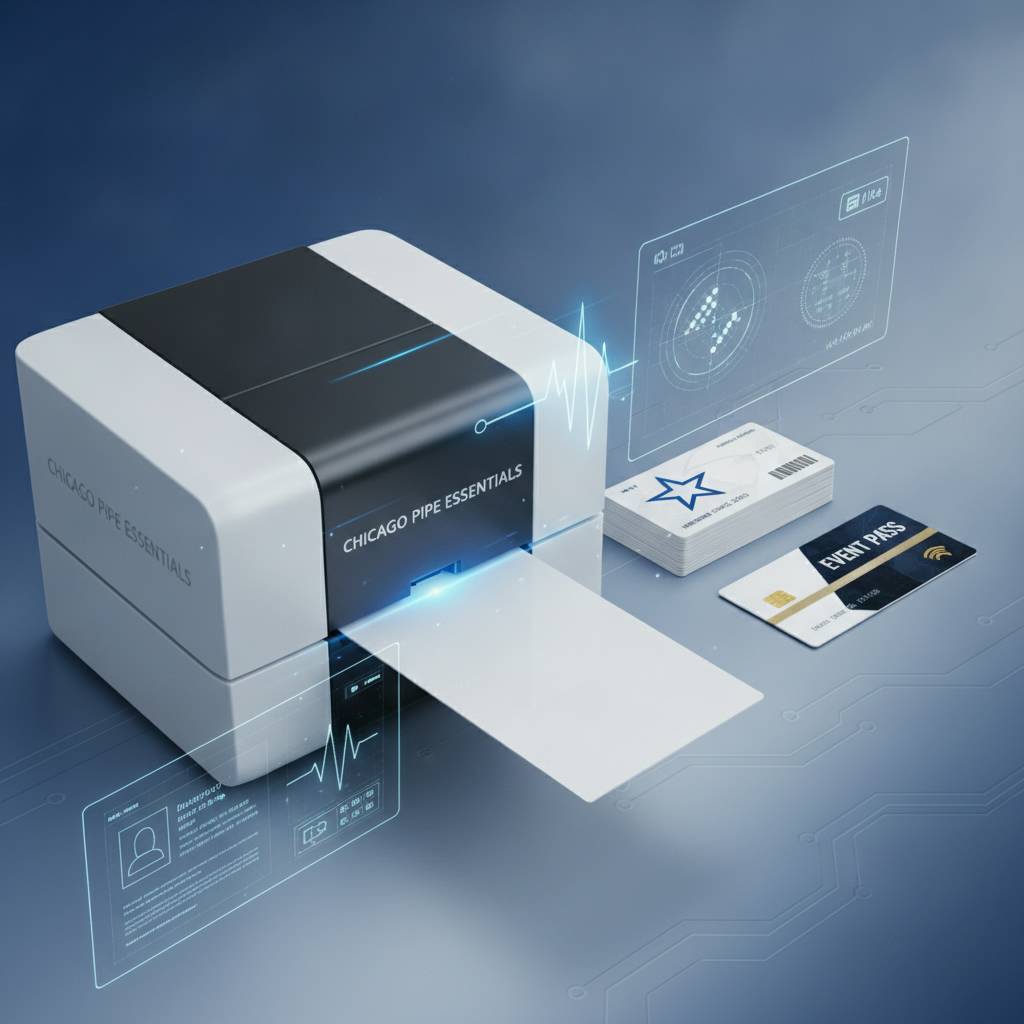 Printing on blank plastic cards is a learnable process with a straightforward equipment and supply ecosystem once you understand the variables. The right card stock, matched to the right printer and ribbon, running a properly prepared design file, produces professional credentials that elevate every program they touch - from employee ID to gift card to access badge and beyond.
Plastic Card ID has spent over 25 years making this process simple for businesses across the United States. From a first-time buyer setting up a 50-card-per-month badge program to a facilities director managing enterprise-scale access control credentialing, the catalog, expertise, and fulfillment infrastructure are built to support programs at every scale.
Ready to print on blank plastic cards with confidence? Contact Plastic Card ID today at 800.835.7919 - and put 25 years of plastic card expertise directly to work for your organization.
Previous Page